

It’s quite easy to block phone numbers on iPhones, but what if you want to start receiving calls from an already blocked phone number? If you want to start receiving calls from a blocked number, you will have to remove the number from your iPhone’s call block list.
1. How to Unblock a Saved Number on an iPhone
Here’s how you can unblock a saved number on an iPhone.
1. Launch the Phone app.
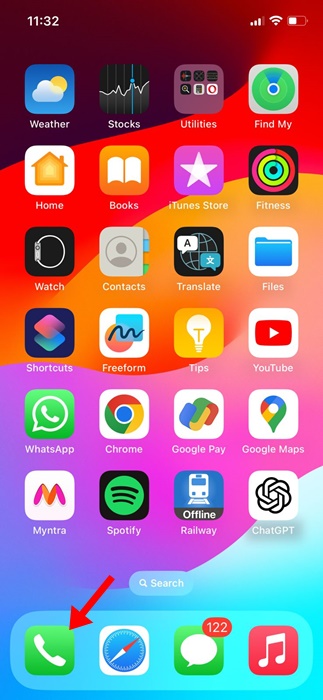
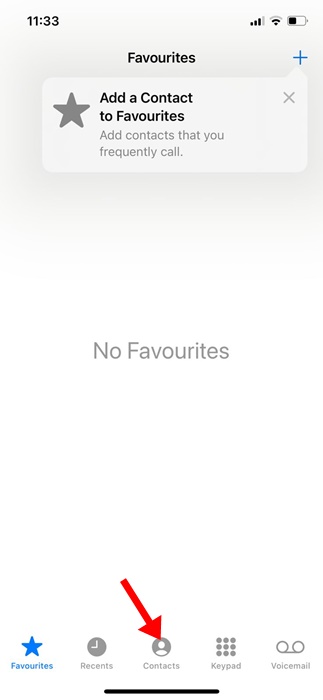
2. Switch to the Contacts tab.
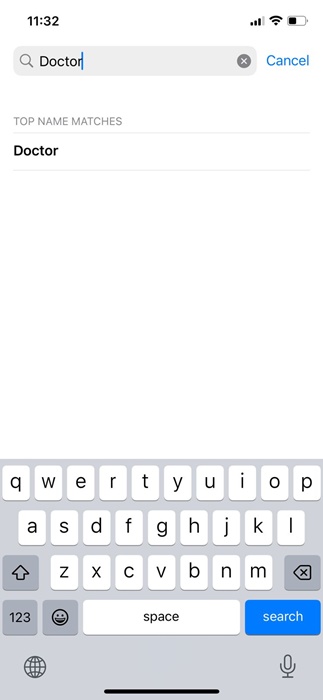
3. Type the first few letters of the contact you want to unblock.
4. The blocked contact should appear; open the contact information.
5. Scroll down a bit and tap on Unblock this caller.

Repeat for all saved contacts you want to unblock.
2. How to Unblock an Unsaved Number on an iPhone
Here’s how you can unblock an unsaved number on your iPhone.
1. Launch the Phone app.
2. Switch to the Recent tab.

3. Find the unsaved contact that you want to unblock.
4. Tap on the ‘i’ icon next to the number you want to unblock.
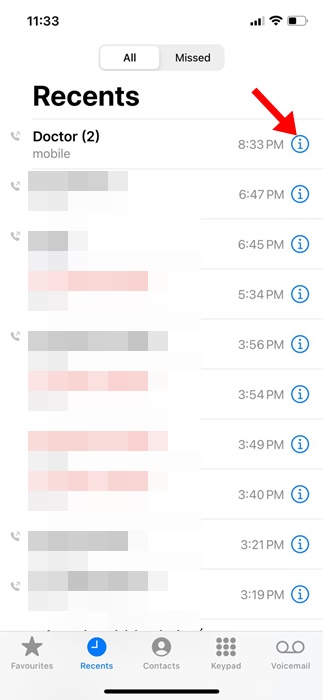
5. Tap on Unblock this caller.

This will immediately unblock the selected unsaved phone number on your iPhone. You will be able to receive calls from this particular number.
3. How to View & Unblock Numbers from iPhone Settings
You can utilize the Settings app of your iPhone to review all contacts you’ve blocked. Here’s what you need to do.
1. Launch the Settings app.
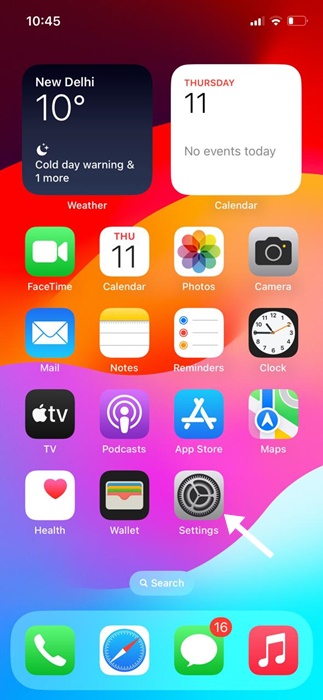
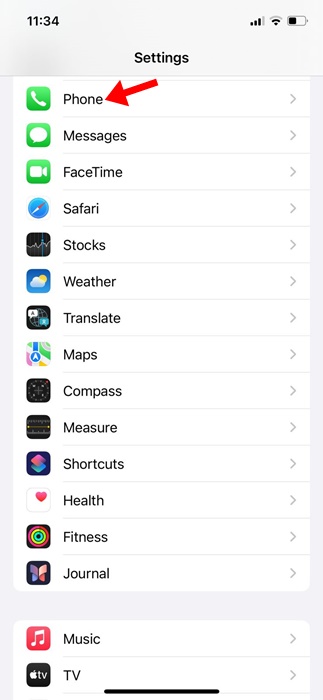
2. Scroll down and tap Phone.
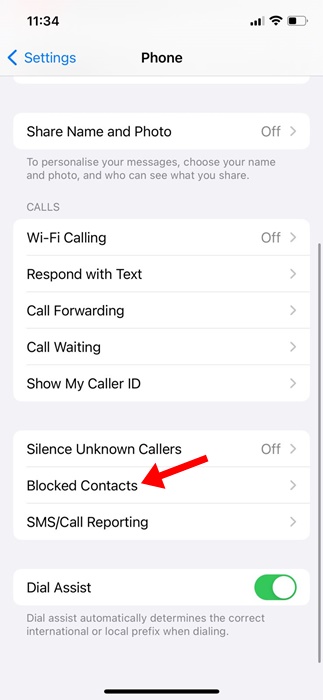
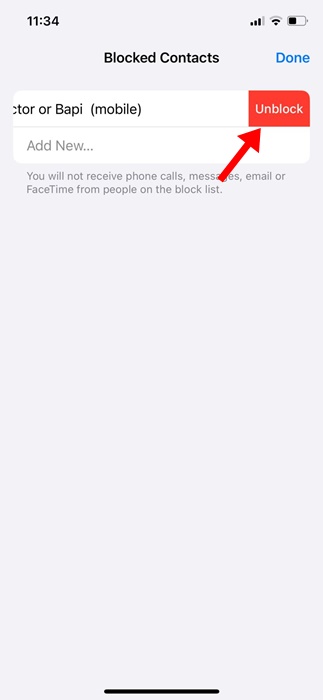
3. Tap Blocked Contacts.
4. Tap on the Edit button.
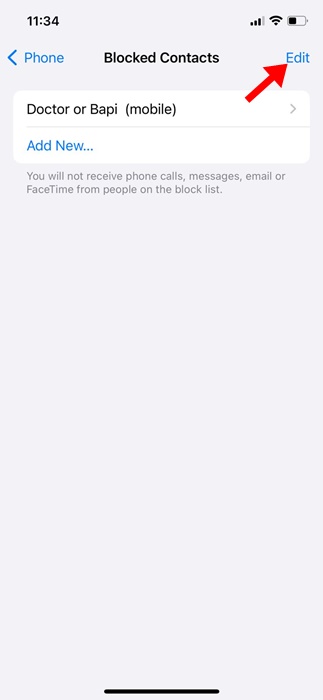
5. Tap on the red ‘-‘ (minus) icon next to the contact name.

6. Tap on Unblock next to the contact name. Once done, tap Done.
These are some of the best ways to view and unblock a phone number on an iPhone. You can review the blocked contacts list at regular intervals and unblock the numbers to start receiving calls from them.
The post How to Unblock a Number on iPhone appeared first on TechViral.
from TechViral https://ift.tt/KXeEu0v

