

On the latest version of iOS, the Camera app can capture the music playing in the background while recording video. This means you can play music from any app and record a video at the same time.
The result will be the video you’ve captured with the camera, along with the music playing in the background.
How to Record Videos With Background Music on iPhone?
1. Launch Settings.
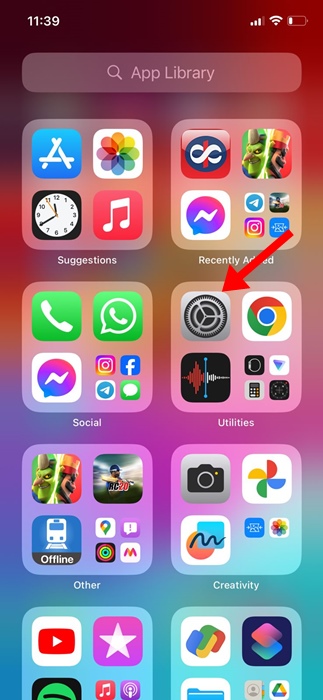
2. Tap Camera.

3. Tap Record Sound.

4. Ensure the toggle for ‘Allow Audio Playback’ is enabled.

5. Open your preferred music app, such as Spotify or Apple Music, and play any song you want to include in your video recording.
6. Open the Camera app on your iPhone and switch to the Video mode.

7. Switching to the Video won’t stop the music playing in the background.
8. If you wish to play the next audio track or pause it, open the Control Center to control the music.
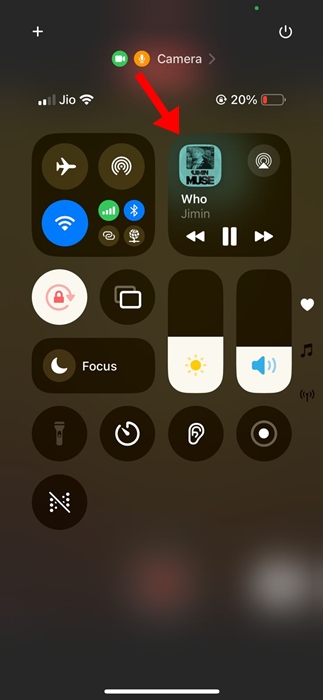
If you cannot find the ‘Allow Audio Playback’ toggle on the Camera Settings, make sure you’re using the latest iOS version of your iPhone.
This article explains how to record videos with background music on an iPhone. If you need more help on this topic, let us know in the comments.
The post How to Record Videos With Background Music on iPhone appeared first on TechViral.
from TechViral https://ift.tt/IBhciFv

